The Document Development Life Cycle (DDLC): shipping docs like software
Your code ships through a defined process. Your docs ship through vibes. The DDLC fixes that — five stages, clear owners, and gates that actually hold.

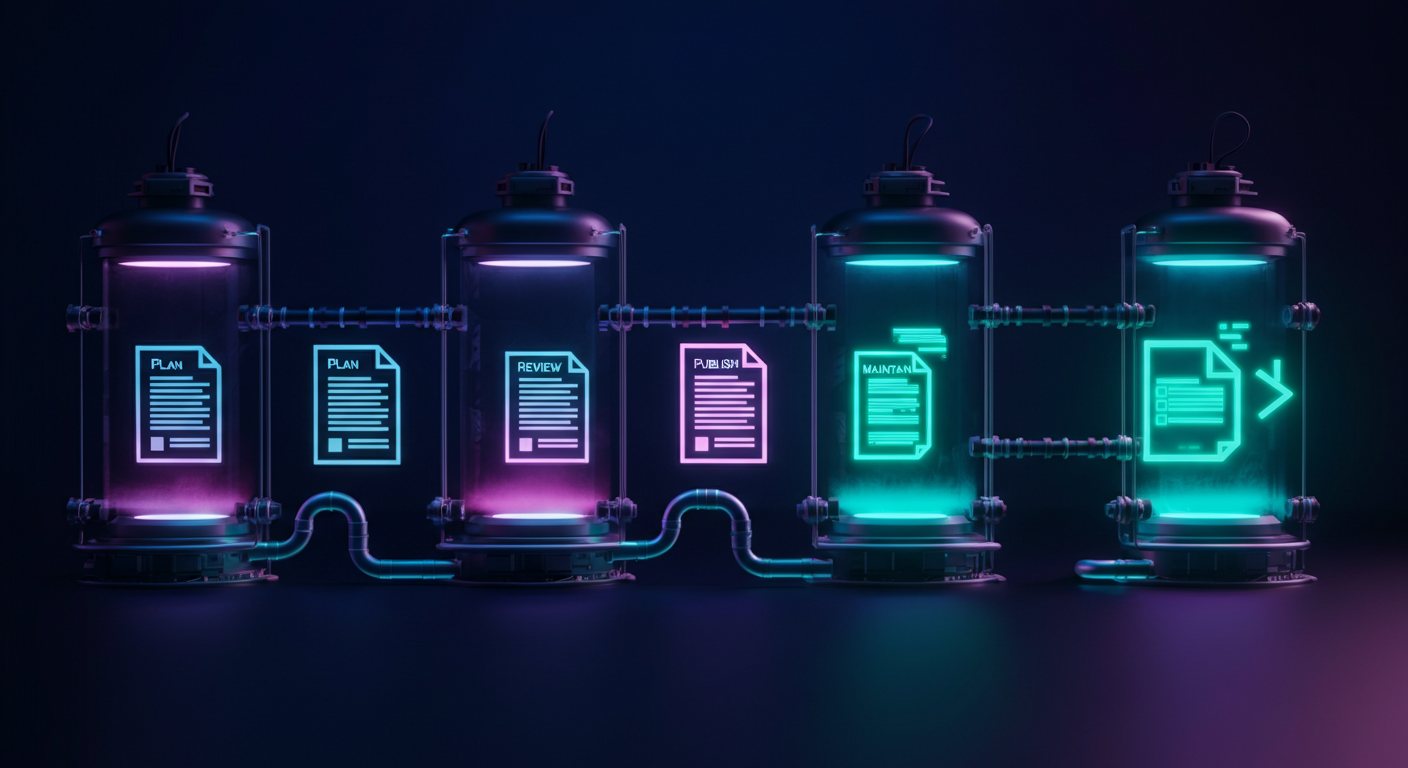
Your engineering team ships code through a process: tickets, branches, PRs, CI checks, staging, merge, deploy. Every step has an owner and a gate. Docs ship through a different process: someone remembers, someone writes, someone sort-of reviews it, and then it either goes live or doesn’t. One of these processes produces consistent, reliable output. The other produces documentation.
The gap isn’t effort — it’s process. The fix is the Document Development Life Cycle.
What the DDLC is
The Document Development Life Cycle is a five-stage workflow that treats documentation the same way software teams treat code: defined stages, clear owners, gates between steps, and a maintenance loop.
The five stages:
- Plan — scope the doc work as part of sprint planning
- Draft — produce the first version, ownership decided upfront
- Review — technical accuracy first, editorial quality second
- Publish — merge only after gates are cleared
- Maintain — schedule updates before the content goes stale
This isn’t a new concept. Technical writers at companies like Stripe, Twilio, and HashiCorp have applied similar frameworks for years. What’s changed is that developer tooling now makes it possible to wire every stage directly into a GitHub workflow — without a separate docs-management system that nobody checks.
Stage 1: Planning
Documentation work that isn’t planned isn’t going to ship. It will be deferred to “after the launch” and then silently dropped when the next sprint starts.
Planning means docs issues live alongside code issues — same backlog, same sprint, same burn-down. Not in a separate Confluence page that the engineering team stops looking at.
❌ How most teams plan docs:
- Feature ticket closes. Someone adds a comment: “We should document this.”
- The comment stays there. Nobody owns it.
- Six weeks later, a customer asks. Support tickets become the de facto documentation.
✅ How DDLC teams plan docs:
- Every feature ticket has a linked docs subtask created at kickoff — not after merge.
- The docs subtask blocks the feature from being marked “done.”
- The docs issue includes: audience, key questions the doc must answer, and the related endpoints or UI flows.
The “blocks done” constraint is the critical part. Docs that are optional during sprint planning will stay optional. Make them mandatory.
Stage 2: Drafting
The most common argument about docs: who should write the first draft? Engineers resist it because writing prose is slow and outside their mental model of “work.” Writers resist it because they can’t write technical docs without a working implementation to reference.
The answer: engineers write the technical skeleton, writers produce the published draft.
The skeleton is not a polished document. It’s:
- A description of what the feature does
- The function signatures, endpoint paths, or configuration keys
- At least one working code example
- Known gotchas or edge cases
This takes an engineer 20–30 minutes, not 2 hours. Writers then take the skeleton and produce the actual document: framing, structure, narrative, examples written for a user who doesn’t know how the implementation works.
Teams that skip the skeleton step end up with one of two failure modes: writers producing technically incorrect docs with no review, or engineers producing accurate but unreadable docs that users bounce off of immediately.
Stage 3: Review
Review is where most docs workflows collapse. There’s one review gate — a PR review that covers everything — and it’s either ignored or turns into a 48-hour bottleneck while the engineer who actually knows the feature is heads-down on the next sprint.
DDLC separates review into two sequential passes with different owners.
Technical review happens first. An engineer — ideally the one who built the feature, but any domain expert works — checks:
- Are the code examples correct and runnable?
- Are the parameters, return values, and types accurate?
- Are the edge cases and error states described correctly?
This review should not touch prose. The technical reviewer approves the facts, not the sentences.
Editorial review happens second. A writer or docs lead checks:
- Is the audience clearly addressed?
- Does the page answer the questions someone would actually arrive with?
- Is the structure logical — do you need to read section 3 before section 2 makes sense?
- Is the terminology consistent with the rest of the docs?
Separating the two passes matters because they require different expertise and different amounts of time. A technical review of a well-structured skeleton takes 15 minutes. An editorial review of a technically correct draft takes another 15 minutes. Running them in sequence with different owners is faster than asking one person to do both — and produces better output.
Stage 4: Publishing
Publishing is not “clicking merge.” In a mature DDLC, there are gates.
The minimum viable gate list:
- Technical review approved
- Editorial review approved
- Code examples tested — at minimum, copy-pasted and run manually
- Internal links checked (no 404s introduced by this page)
- Staging preview reviewed by at least one person who didn’t write the doc
The staging preview is the gate teams most commonly skip, and it’s the one that catches the most embarrassing issues: broken formatting, code blocks that don’t render, screenshots of a UI that no longer exists.
If your docs platform supports branch previews or staging environments, use them. Publishing directly to production without a preview is the docs equivalent of deploying code without a staging environment.
❌ Publishing flow most teams have:
write → PR → merge → live✅ Publishing flow that actually works:
skeleton → technical review → editorial review → staging preview → gates pass → merge → liveThe additional steps add one to two days to the publishing timeline. They eliminate the “we shipped wrong information” incidents that cost significantly more in support load and user trust.
Stage 5: Maintenance
This is the stage everyone skips. It’s also the one that makes the other four stages worthless over time.
Documentation published today has an expiration date. The codebase will change. The product will evolve. Without a structured maintenance loop, the docs become a liability — technically published, actively misleading. Studies of developer-facing documentation consistently find that over 70% of API reference pages contain at least one inaccuracy within six months of publication.
The maintenance stage has three components:
- Scheduled review triggers — when a code change touches a documented feature, a review task is created automatically
- Age-based alerts — pages older than 90 days without an edit are flagged for review
- User feedback loops — pages with high bounce rates or negative feedback ratings are queued for revision
The scheduled review triggers are the most important and the hardest to implement manually. In practice, this means integrating your docs workflow with your code change events: when a PR modifies an endpoint or function referenced in the docs, a maintenance task is created automatically.
Without this integration, the maintenance stage degrades into a quarterly “docs audit” that gets deferred, compressed, and finally skipped.
Wiring DDLC into your GitHub workflow
Every stage maps to GitHub primitives. Here is a minimal implementation using GitHub Issues and PR templates.
Create a docs issue template at .github/ISSUE_TEMPLATE/docs-task.yml:
name: Documentation Task
description: Track a documentation work item through the DDLC
labels: ["docs", "needs-triage"]
body:
  - type: input
    id: feature
    attributes:
      label: Related feature or PR
      placeholder: "e.g. #412 — Add /refunds endpoint"
    validations:
      required: true
  - type: textarea
    id: audience
    attributes:
      label: Target audience
      placeholder: "Who will read this doc? What do they already know?"
    validations:
      required: true
  - type: textarea
    id: questions
    attributes:
      label: Questions this doc must answer
      placeholder: "List the top 3 questions a reader arrives with"
    validations:
      required: true
  - type: checkboxes
    id: stages
    attributes:
      label: DDLC stages
      options:
        - label: "Stage 1: Planned — linked to sprint and feature issue"
        - label: "Stage 2: Draft complete — skeleton + writer draft"
        - label: "Stage 3a: Technical review approved"
        - label: "Stage 3b: Editorial review approved"
        - label: "Stage 4: Staging preview reviewed"
        - label: "Stage 4: Gates passed — ready to merge"
        - label: "Stage 5: Maintenance trigger configured"
Add a docs check to your PR template at .github/PULL_REQUEST_TEMPLATE.md:
## Docs checklist
- [ ] Does this PR change any publicly documented behavior?
  - If yes: link the docs issue → #
- [ ] Have new parameters, endpoints, or return values been added to the docs?
- [ ] Have deprecated or removed features been removed from the docs?
The PR template enforces the “blocks done” constraint from Stage 1 at the code level: no PR that changes documented behavior can merge without acknowledging the docs state. This setup takes about two hours to configure on a new repo. The bottleneck it eliminates — undocumented features, stale reference material, docs-as-an-afterthought — is worth considerably more than two hours per sprint.
GitDoc as the glue between stages
The hardest part of maintaining the DDLC at scale isn’t planning, drafting, or review. Those stages are solvable with templates and ownership rules. The hard part is Stage 5: detecting when published docs have drifted from the current codebase and routing the right update to the right person before users notice.
GitDoc is built to close that loop. It watches your GitHub repo for code changes, detects when merged PRs affect documented interfaces, and surfaces pending doc updates in the same review workflow your team already uses — so the maintenance stage becomes a queue of small, targeted reviews rather than a quarterly scramble.
The DDLC gives you the process. GitDoc gives you the automation that makes Stage 5 run without constant manual overhead.
If your team is shipping code through a reliable process and docs through something you wouldn’t quite call a process, start with the two GitHub templates above. Add the stages, add the ownership, add the gates. Then connect your repo to GitDoc and let the maintenance stage run itself.